

Release 1.5 with Mobile apps, External SSO MFA, MFA with Biometry
September 15, 2025
7 min to read
This is the biggest, most feature packed (and fixes) release we have ever done!
We’ve introduced 11 major features ! and nearly 100 bugfixes. Most important are:
📲 Long awaited Mobile Clients (supporting External Multi-Factor Authentication and Internal Multi-Factor Authentication) are here!
💫 Desktop Client now supports External SSO/IdP MFA
Our innovation: Multi-Factor Authentication on Desktop Client using Mobile client’s Biometry!
🤝 Being a completely open company, we’ve introduced a number of public processes like the Architecture Decision Records and the public pentesting discoveries and fixes page prepared with our security team (as far as we know, we are the only VPN solution to do so).
🚩 We’ve also explained in detail, why most WireGuard®-based solutions claiming to have MFA are highly misleading and potentially harmful to user security.
All and more in details below! Hope you will enjoy the read as much as we enjoyed delivering the 1.5!
Please star us on GitHub 🙏🫡
Grab them from App Store and Play Store. They support all our major features like:
Here you can see all this in action:
After configuring VPN on your mobile device and enabling Biometry, we not only enable Biometry based connecting on a mobile device, but add an extra security layer to have the most secure/sophisticated MFA method available for Desktop (as they are more susceptible to attacks). After enabling Biometry we create an additional private/public key pair, with the private key stored on the OS backend secure storage, and inform in the UI, that this device now can be used for MFA using Biometry on a desktop client:
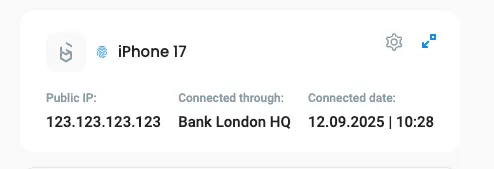
Now, when you connect on the desktop client to a location that has Internal MFA configured, you can choose “Mobile App” for MFA. A QR code will be shown that has to be scanned on the mobile device for additional MFA steps:
Here you can see it in action:
Up to 1.4 we only supported our Internal Multi-Factor methods (configured in users profile), like TOTP or Email codes.
From 1.5 when an External SSO/IdP is configured in Defguard on each location you can choose between:
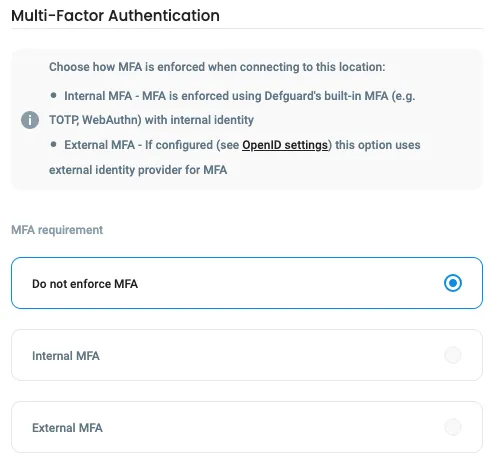
See it in action here:
Defguard is a critical component of an infrastructure, enabling secure access - and as we just introduced many new functionalities, we needed to figure out how to help our customers with smooth upgrades. We also wanted to deliver improved methods for customer support, when needed.
With this in mind, for this release we’ve created the foundation for that, where all our components exchange detailed version information and log them in each communication instance:

This mechanism will be used in future releases, to provide automated upgrades but also detailed information for admin/operators (like what is the Users Desktop/Mobile client version - to inform about upgrade, etc.).
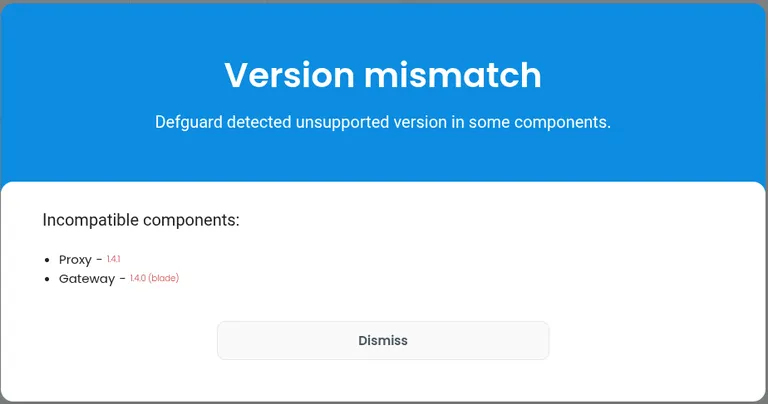
The first functionality we’re introducing based on this is information about unsupported component versions - if they are detected:
Tauri is a great framework for building fast, secure, cross-platform applications. We’ve used Tauri v1 up to this point, which had a lot of issues and limited us with some features/bugfixes that many of you reported. Tauri v2 is stable now and we could upgrade, enabling a lot changes like: ability to install the client on Ubuntu 24 LTS, opening client by clicking tray icon, better MFA location connection handling via tray menu and some improvements to the Client on Windows.
Tauri v2 finally enabled us to deliver the quickest way to configure a desktop client, with just one click, see it in action:
From early releases we’ve introduced a secure remote enrollment process, where users in their Desktop Client could set up their password and configure the client.
But one critical feature that was missing, is setting up any MFA method during enrollment. Consequently, if the VPN location defined by the admin required MFA - that was a major obstacle - as the user needs to have access to defguard (eg. from the office on-site) to configure MFA in the profile.
Now, if there is any location using Internal MFA, user is required during enrollment to configure MFA. See it here:
We already supported directory sync for Google, Microsoft and Okta. Now we also support JumpCloud - see more details here.
Now admins can go to user’s profile and disable their MFA (check our documentation)
Activity stream now has two additional columns:
User SNAT bindings allow administrators to assign specific public IP addresses to users for outbound traffic from Defguard VPN gateways in a given location. This provides fine-grained control over how user traffic appears to external networks. More details in documentation here.
Our roadmap, development backlog and documentation was always open, now we bring new transparency standards:
Public pentesting page
on an interactive pentesting page
.Architecture Decision Records
Please remember, that our Enterprise customers have a huge influence on the roadmap and features that will be implemented ! Please consider supporting us!
We’ve already have them prepared, just need to bring them to Amazon Marketplace.
We know that submitting tokens (totp/email) or (much smoother but still pain in the ***) QR code scan+biometry for each connection can be annoying. That’s why we would like to introduce Hardware Keys provisioning in the desktop client (so it will be done securely on users device), which will enable:
Please discuss this here: https://github.com/DefGuard/client/issues/431
We are aware of the shortcomings of the current UI and UX in all our apps. Over the years, as the system evolved, certain features were designed in ways that no longer meet current needs.
Because of this from the next release (1.6) we are starting to work on the new UI and then new UX successively in all components and applications - as this in our opinion is the most important next step.
The plan is to introduce a new UI (and some UX improvements) in the Enrollment (proxy) and Defguard Core, hopefully in 1.6 release. After that we will work on Mobile and then Desktop apps (also bringing a simplified desktop app for less experienced users).
Here is a sneak peek of what we are working on:
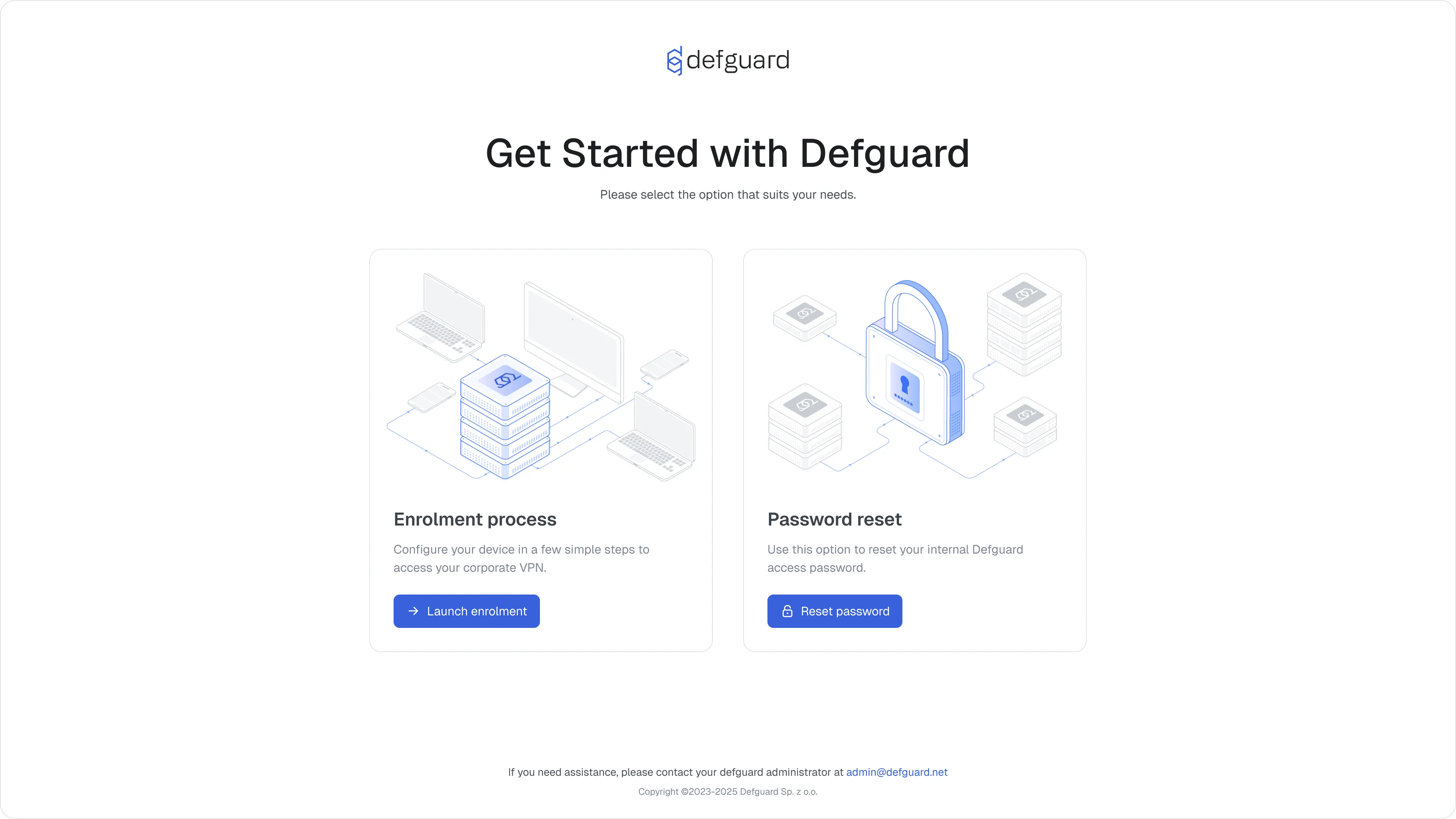
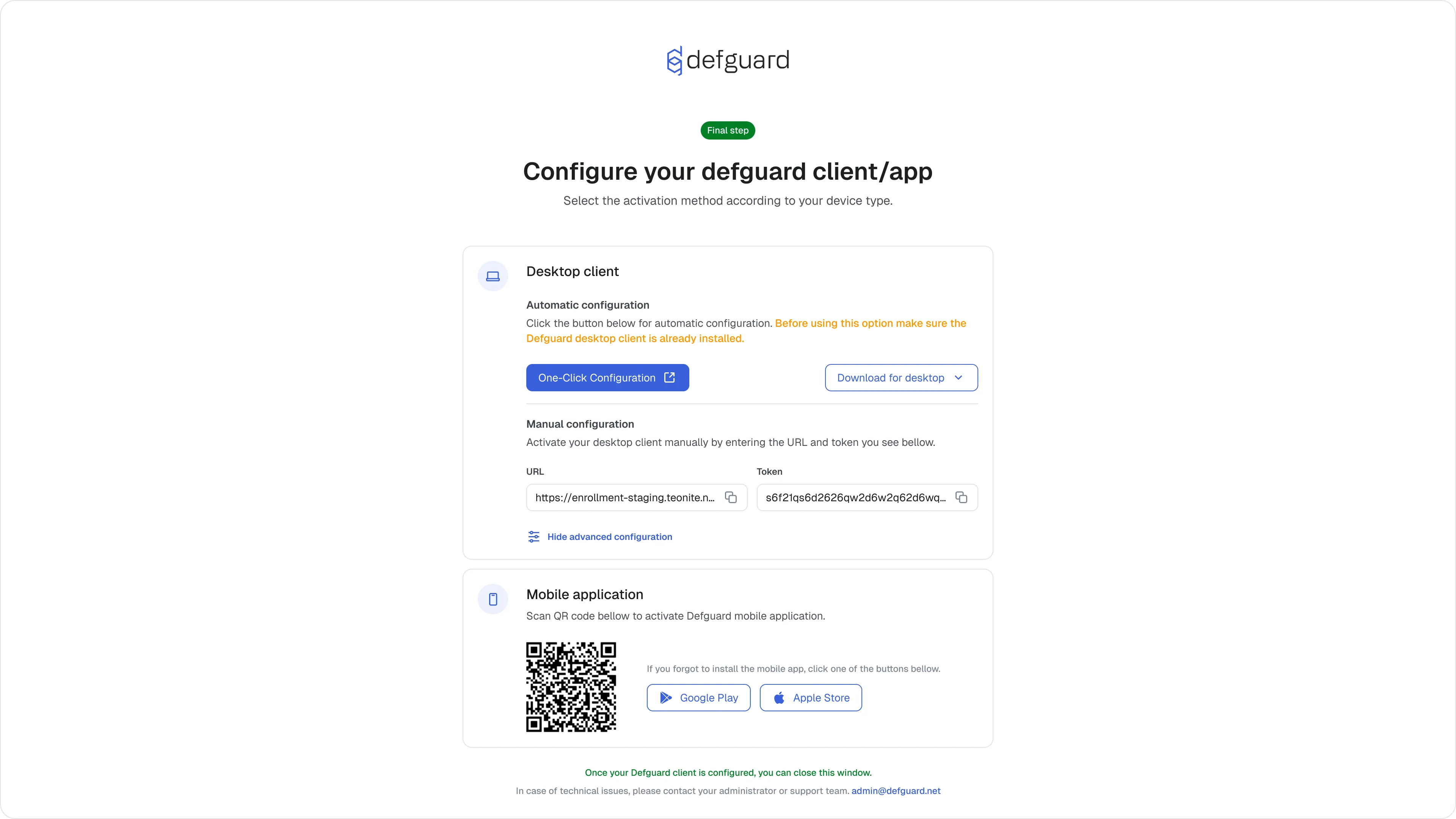
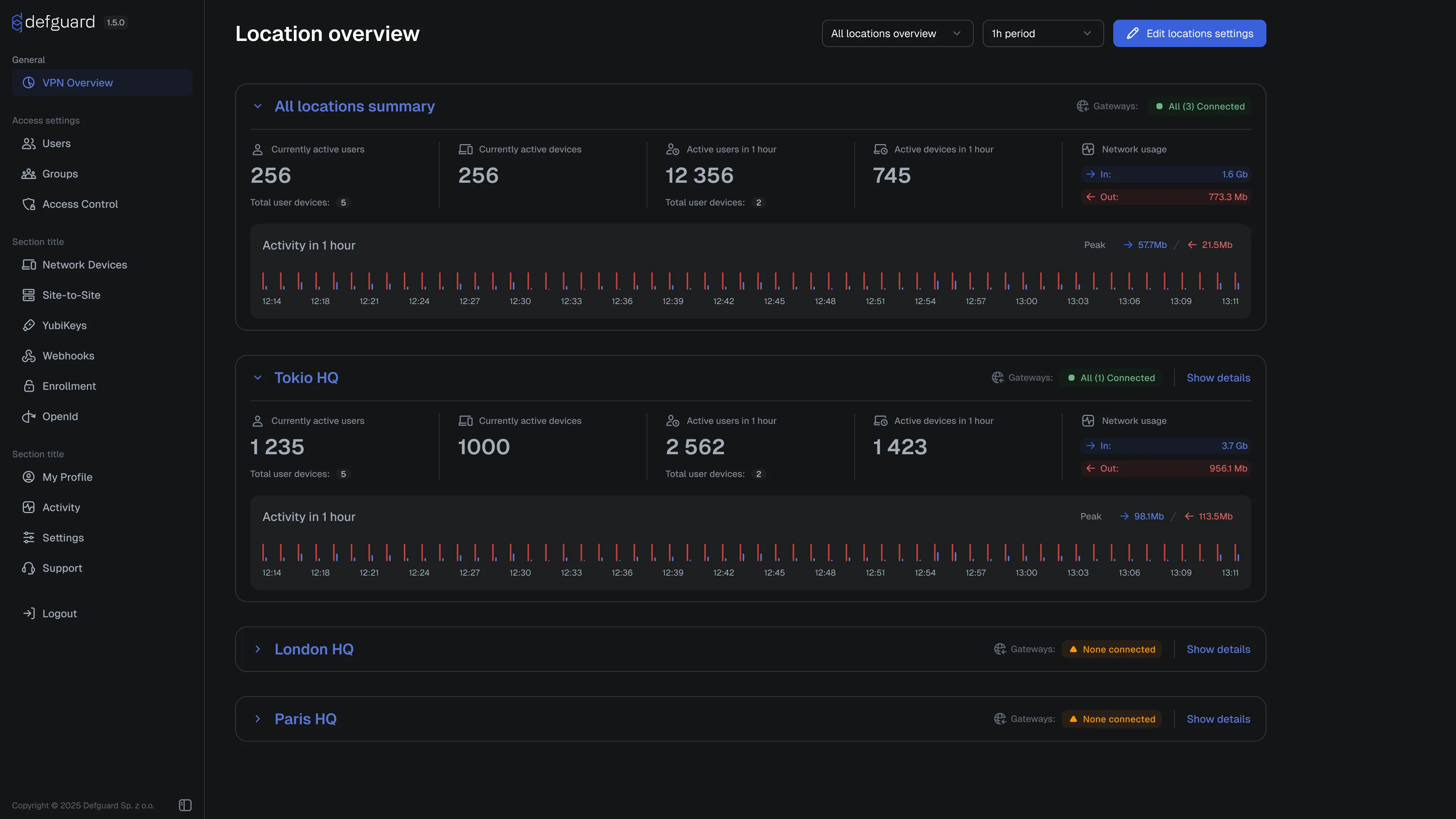
For more details and discussion go here: https://github.com/DefGuard/defguard/issues/1359