

Defguard 2.0 is now feature-complete and entering the Beta stabilization phase.
April 9, 2026 • Robert Olejnik
3 min to read
Defguard 2.0 is now feature-complete and entering the Beta stabilization phase.
Although we have been running and testing this version in production-like environments, we still recommend using it first in staging. Beta 1 includes a simple migration path from 1.x and a set of tutorial videos to make evaluation easier.
If you are new to 2.0, start with the Defguard 2.0 technical overview and Alpha 2 release post.
In case you skipped previous release announcement - here is a quick tutorial on launching 2.0 for testing purposes:
Watch the demo video on YouTube
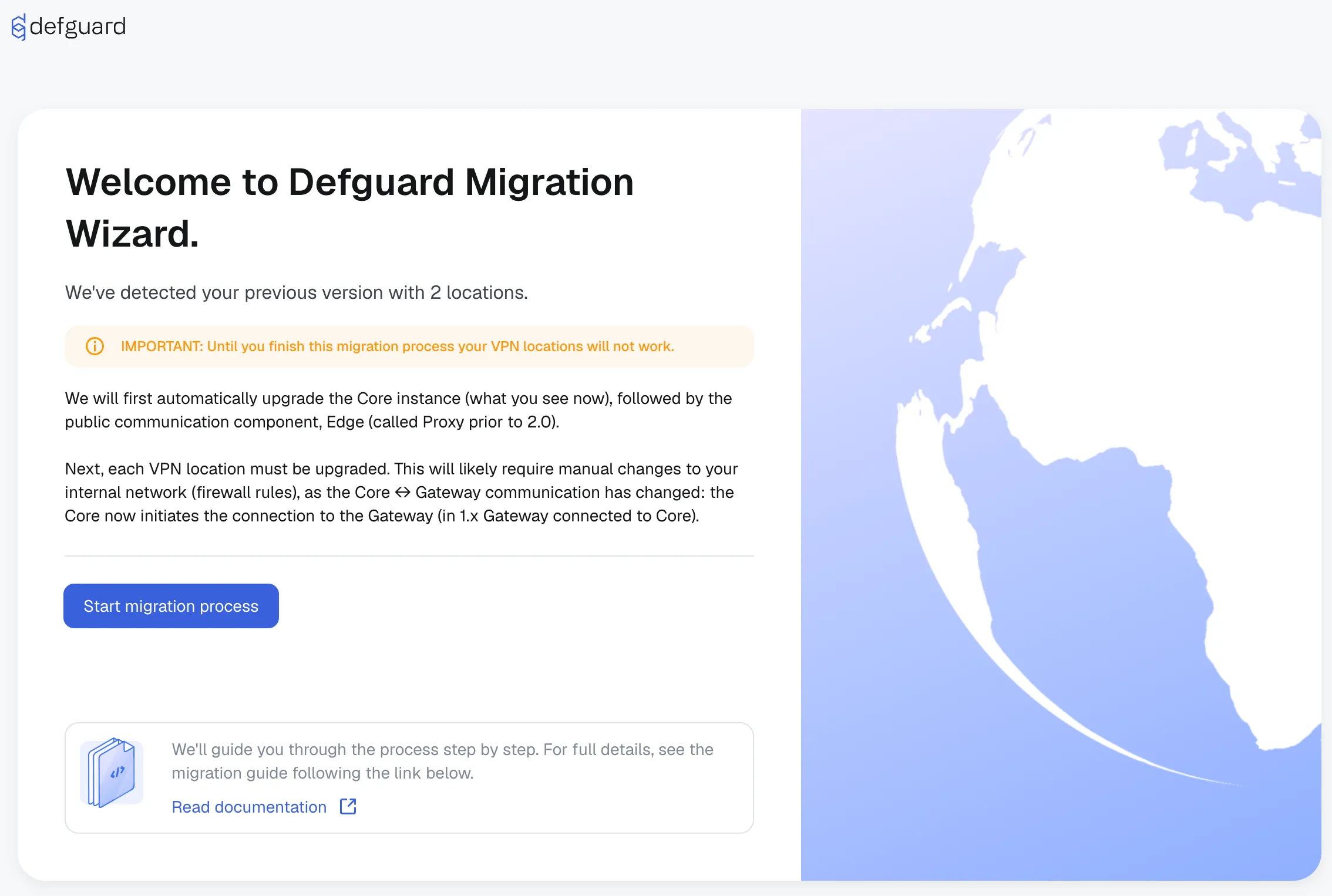
Testing migration is straightforward: deploy Core 2.0 and connect it to a PostgreSQL snapshot of your existing 1.x environment. Core detects the previous setup and runs a guided step-by-step migration.
We’ve recorded a guided migration - we walk through a full migration from Defguard 1.6 to 2.0 using a setup on AWS with separate Core, Edge, and Gateway instances. You’ll learn how to update the components, run the built-in migration process, adopt the Edge component, and securely migrate your locations and gateways — all step by step, with no VPN downtime.
The migration flow includes:
Make a database backup before migration.
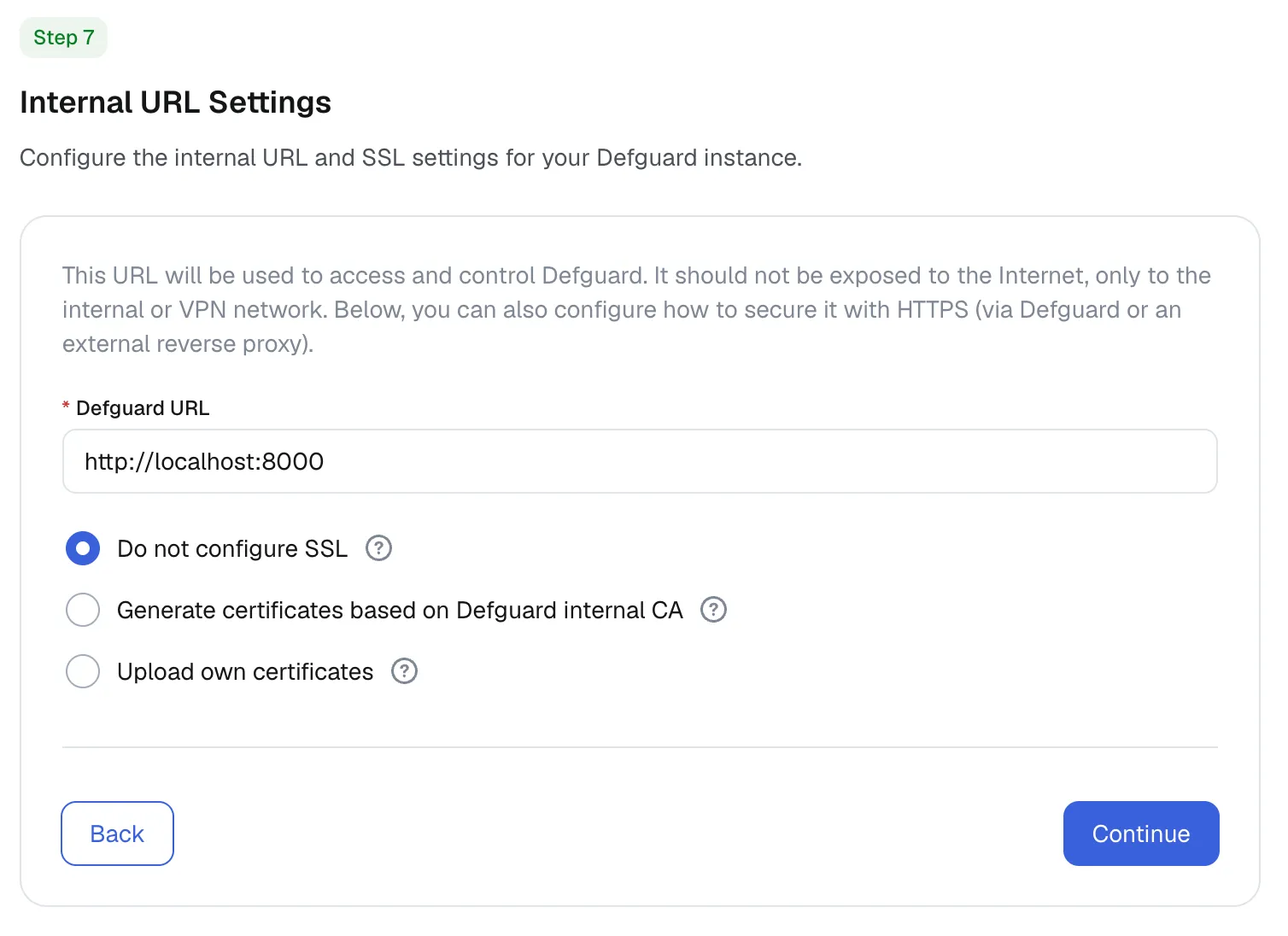
Starting in 2.0, Core and Edge can be configured with built-in SSL termination, reducing setup complexity for new deployments.
For Core (internal Defguard URL), you can choose:
Using a reverse proxy in production remains the best path for security and traffic control.
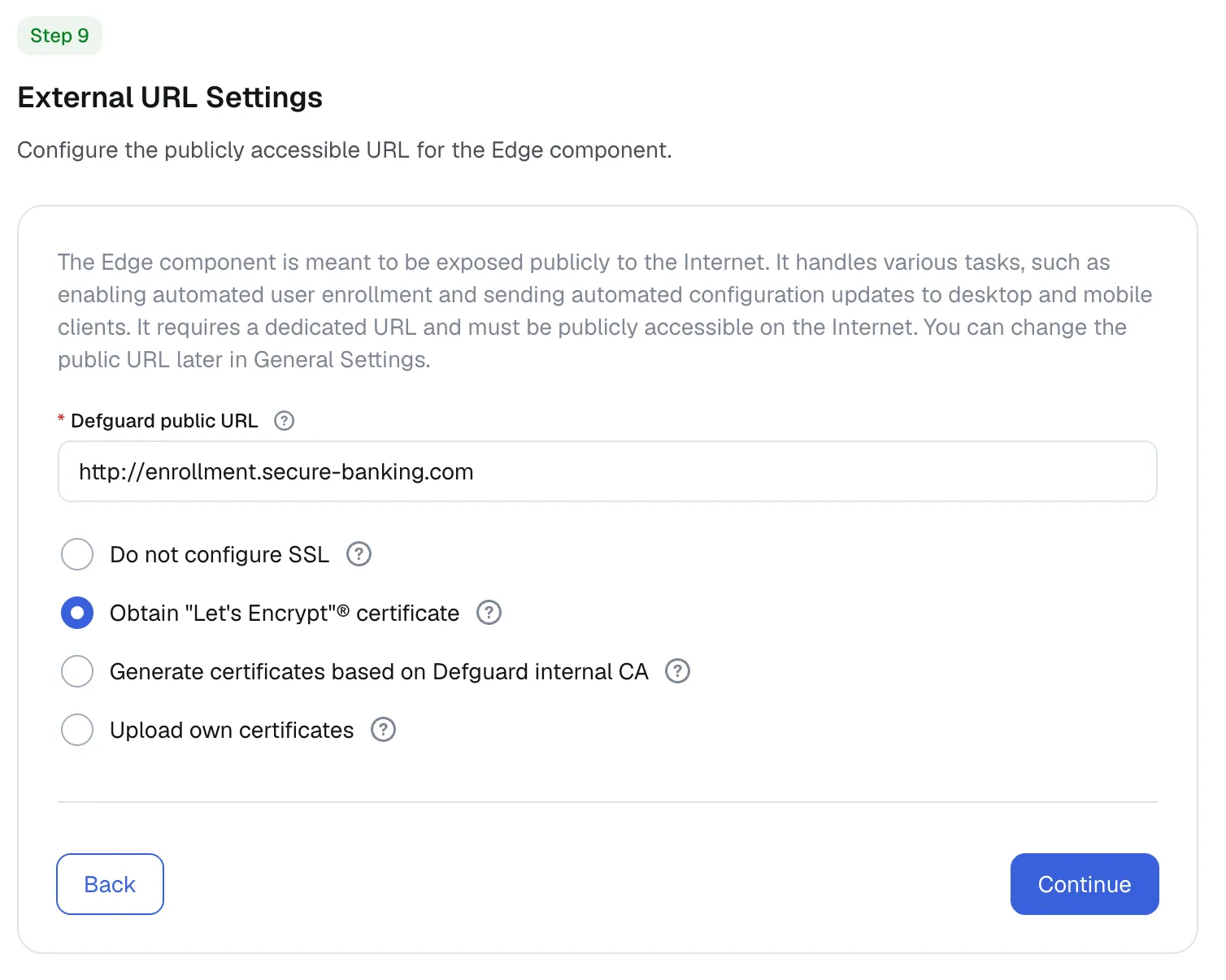
Edge supports the same options as Core and can additionally auto-configure a Let’s Encrypt certificate via HTTP challenge when ports 80 and 443 are publicly reachable.
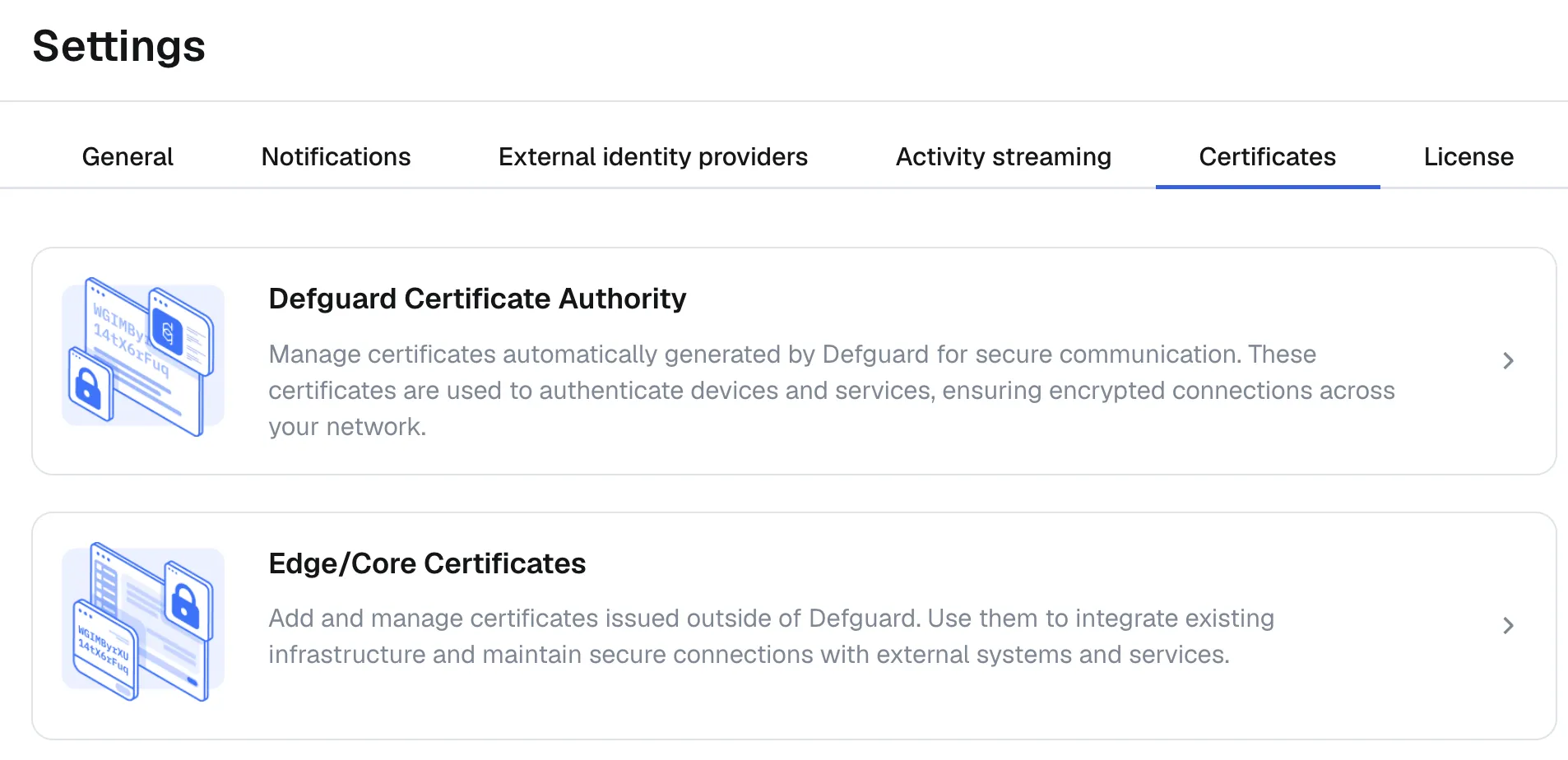
A new certificate section in settings lets you view the Defguard Root CA certificate and update SSL termination settings for both Core and Edge.
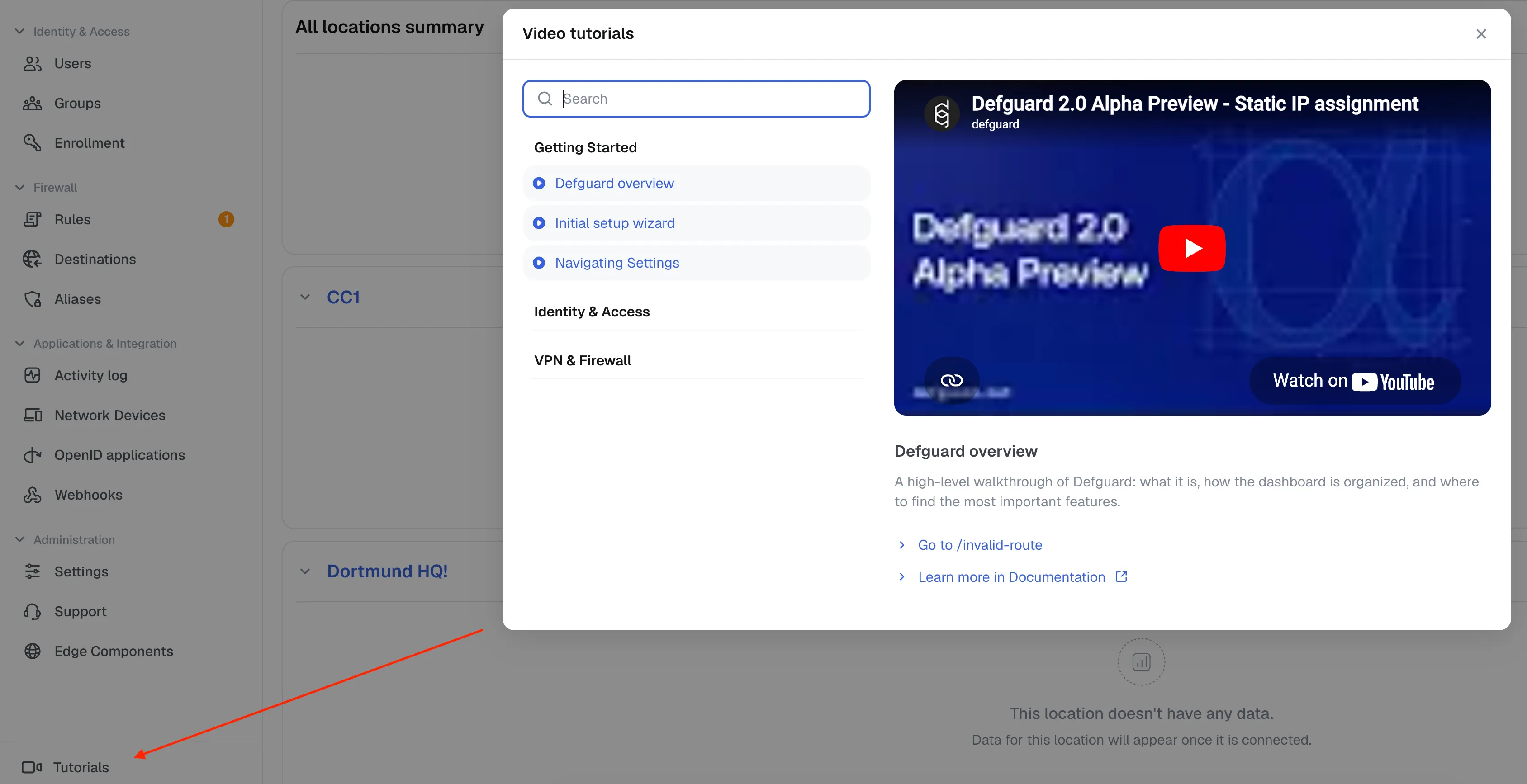
Beta 1 introduces a dedicated video tutorial section where users can browse and play published tutorials.
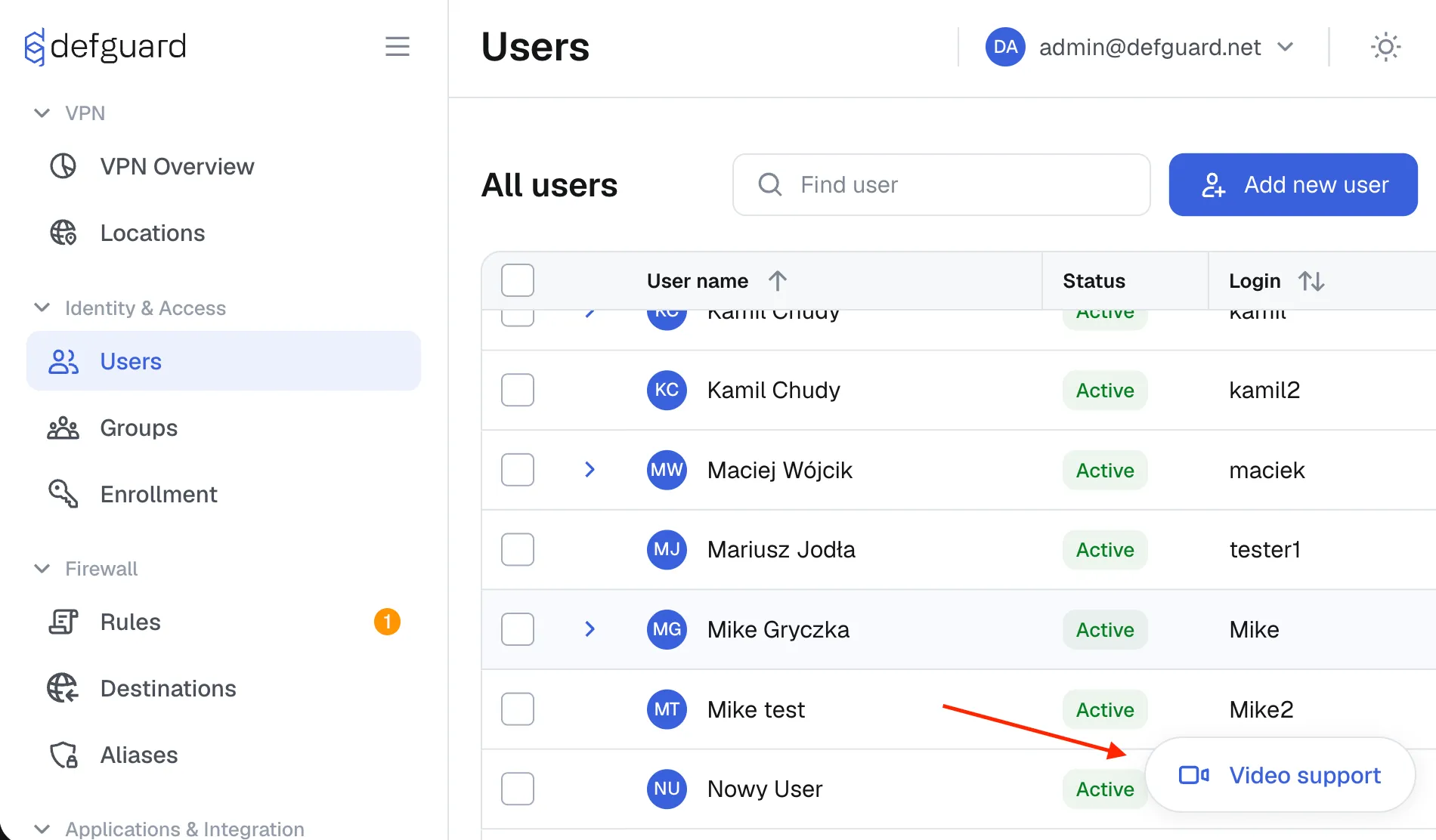
When a tutorial is relevant to a specific module, Defguard also shows a contextual button for section-specific guidance.
We also introduced OVA Virtual Images for all-in-one testing and component-based VM deployments.
Until a native self-update mechanism is available, OVA updates are handled through container image refreshes. For this, OVA includes Dockge, making updates simpler from a UI.
To enable Dockge:
https://<vm-ip>:5001You can also update via SSH and Docker Compose if preferred.
Beta 1 is intended to validate migration and operational workflows before the final 2.0 stable release.
We plan to release 2.0.0 final after remaining minor, non-blocking bugs are resolved. You can track progress on the 2.0.0 project board.
Feedback from testing is highly appreciated.