

30 or 3000 users? Scales with you.
Give remote access to your users in 3 steps.
Integrate
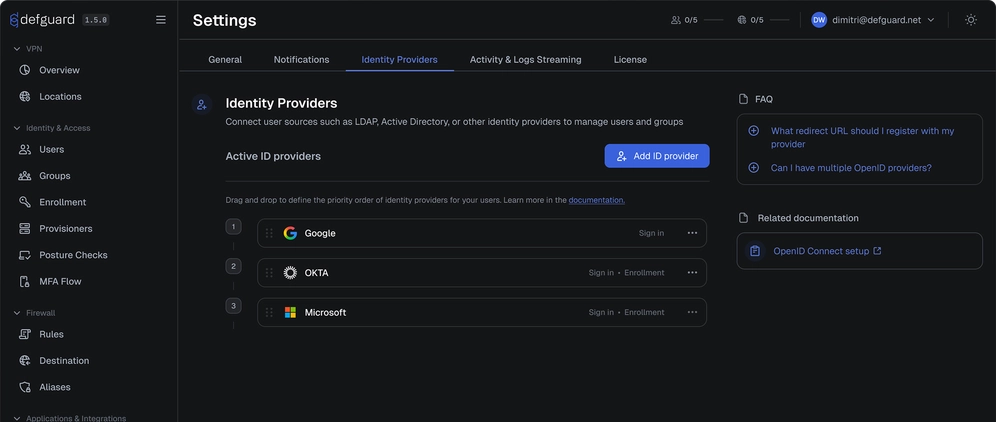
Point Defguard at your identity provider: Entra ID, Okta, Google Workspace, JumpCloud, Keycloak, Zitadel, Authentik, Authelia, or any provider that speaks OpenID Connect (OIDC).
More about integrations →
Enroll
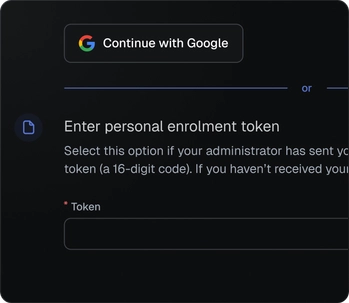
Just send users a secure enrollment link. They sign in with the credentials they already use to complete enrollment through a secure, isolated portal, with no unnecessary setup steps.
More about enrollment →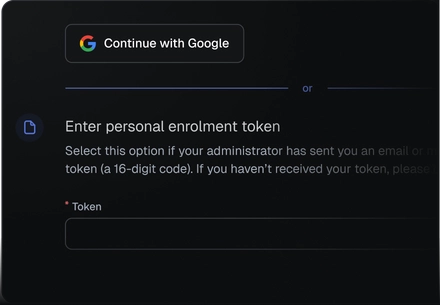
Connect
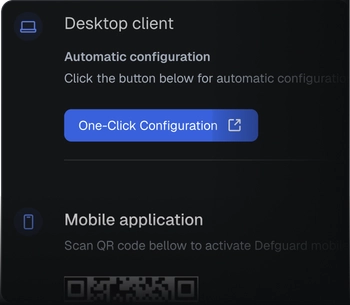
One-Click Configuration sets up the desktop client, a QR code the mobile app. Keys are generated on the device. No config files, no profiles. Live config sync.
More about enrollment →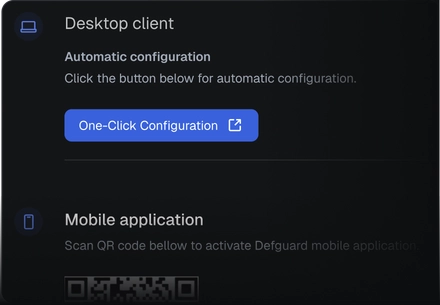
Trusted by businesses across the globe
Role based access control where you need it
Defguard provides seamless SSO/IdP integration for WireGuard VPN and treats user identity as a foundation for remote access.
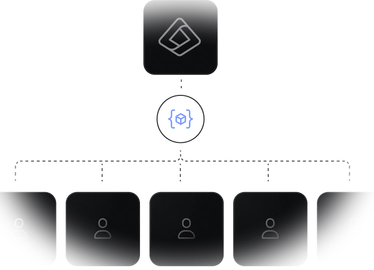
Zero-touch for your Windows fleet
Don't want to send anything? Push the client MSI through your MDM: it picks up its enrollment token from Entra ID and users just launch it.
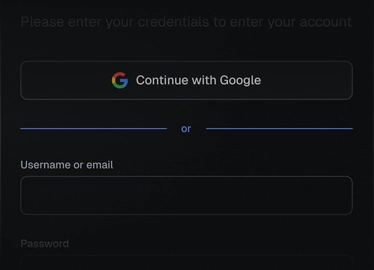
Use the same credentials everywhere
Every connection authenticates against your IdP via single sign-on, so its MFA and access policies apply.
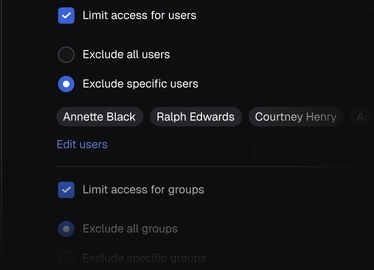
Access follows your SSO groups
Give access to VPN networks (locations) based on SSO groups, then grant access to network resources and services via Firewall Rules (ACLs), per group or per user.
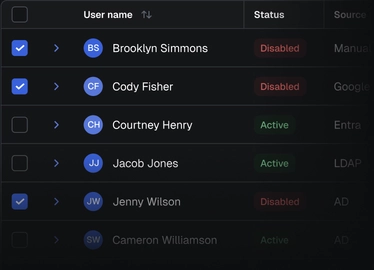
Off-boarding is not a problem anymore
Users and groups remain synchronized with your IdP, ensuring VPN access is automatically revoked when an account is disabled.
Go further with Defguard
Defguard enables you stay compliant with modern regulations including ISO27001, NIS2, GDPR and HIPAA.


MFA on every connection
The second factor is checked on the tunnel itself, not just at login.
How VPN MFA works →High Availability
Multiple gateways per location, with failover and load-balancing, so the VPN stays up when a node doesn't.
High availability docs →Device Postures
Grant access only to devices that meet your security baseline.
Device posture checks →Frequently asked questions
Does WireGuard® support SSO?
Not by itself. WireGuard® authenticates a key pair, not a person, so the protocol has no users, groups or identity provider. Defguard adds that layer: WireGuard SSO through any OpenID Connect provider, so people sign in with the credentials they already have.
How do I connect WireGuard® to Entra ID, Okta or Google Workspace?
Register Defguard as an OpenID Connect client in your provider, which needs a client ID, a client secret and the redirect URI <your Defguard URL>/auth/callback. Then send users an enrollment link: they sign in with the account they already have, the client configures itself, and nobody hands out WireGuard® keys or config files.
Is SSO login available in the open-source version of Defguard?
Partly, as of Defguard 2.1. The open-source release includes Defguard's own built-in OpenID Connect provider, full WireGuard® VPN management and connection-level MFA. Logging in through an external provider such as Entra ID or Okta, self-enrollment through that provider and directory synchronization are Business and Enterprise features.
Which identity providers work with Defguard's WireGuard® VPN?
Any provider that speaks OpenID Connect. Google, Microsoft Entra ID, Okta, JumpCloud, Keycloak and Zitadel have dedicated setup tutorials, Authentik and Authelia are confirmed working by users, and a custom provider needs only its base URL plus the standard code authorization flow.
How is SSO login different from MFA on the WireGuard® connection?
SSO establishes who the user is; MFA proves it again at the moment the tunnel comes up. Defguard does both: people sign in through your identity provider, and each VPN location can additionally require a second factor before the connection is established.
Does Defguard's zero-touch provisioning work on macOS or Linux?
Yes, as of Defguard 2.1. Auto-provisioning is configuration-file based and works on every supported platform: your tooling places a provisioning.json holding the enrollment token and URL, and the client reads it on first start and sends the user straight into enrollment. Windows additionally has dedicated tooling and an end-to-end guide for Active Directory and Entra ID.
What runs on my own infrastructure when I self-host Defguard?
Everything except your identity provider: the Defguard core, its database, the gateways serving each VPN location, the tunnels, the WireGuard® keys, user data and logs all stay on your own servers. Your IdP stays wherever it lives today, usually in the cloud.
What happens to a user's WireGuard® VPN access when they are disabled in the IdP?
It is revoked automatically. Directory sync picks up the change from your identity provider, so offboarding finishes where it starts: no key hunting, no manual peer cleanup, no forgotten tunnels. Group changes travel the same path, since access to VPN locations follows SSO groups.
We’ve already helped 100+ companies to build
fully private and secure VPN infrastructure.
Prusa achieved fast, secure, role-based access for 490+ employees with seamless onboarding and no operational complexity.
Hostinger strengthened its infrastructure by adopting a Zero Trust access model, reducing attack surface, eliminating implicit trust between services, and gaining full visibility and control over internal access flows.