

What's new in Defguard
Find information about all releases and the latest features in one place.
Defguard releases
New Desktop Client, Device Posture Checks, dynamic Allowed IPs and Gateway on VyOS - meet Defguard 2.1
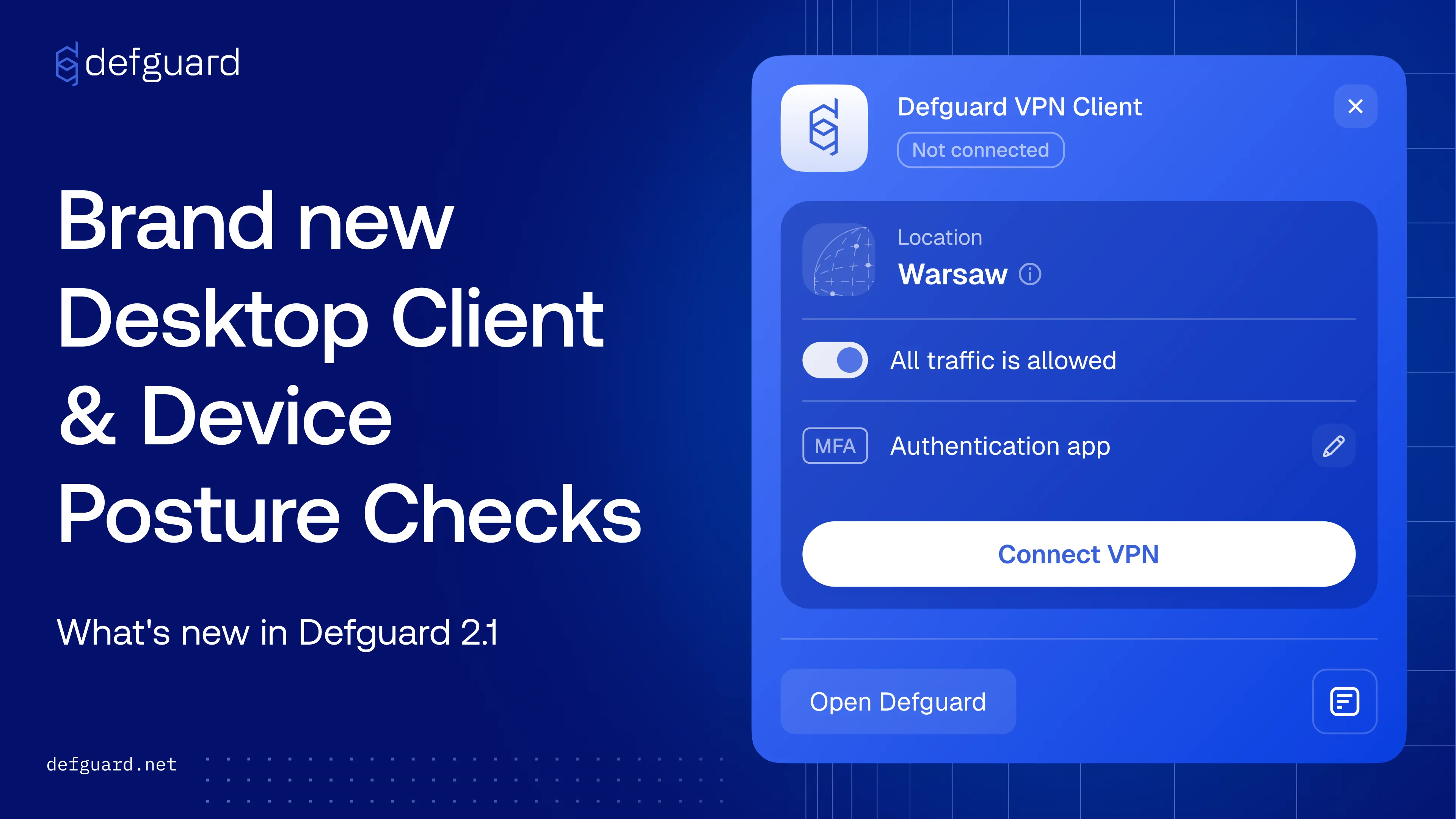
Defguard 2.1 brings a redesigned Desktop Client with tray mode, Device Posture verification before a WireGuard® connection is allowed, Allowed IPs generated from Firewall Rules for true least-privilege access, and official support for running Defguard Gateway on VyOS.
Device Posture Verification
Define the security criteria a machine must meet before it can establish a WireGuard® connection. Posture Checks validate client version, OS version, security updates, Active Directory membership, antivirus status and disk encryption, and can be assigned per VPN location.
New Desktop Client UX
The Desktop Client has been redesigned with live configuration sync, multiple instance and location support, and flexible MFA including biometrics via the mobile app. The new tray mode adds a minimalistic layout and an instance picker, so users connect in two clicks.
Allowed IPs generated from Firewall Rules
Allowed IPs in the WireGuard® config can now be derived from the Firewall Rules that apply to a specific user, so configs never expose subnets that user cannot reach. Disabled by default, enabled per location, and combined with any manually defined entries.
Defguard Gateway on VyOS
Defguard Gateway is now officially supported as a container on VyOS, with no native package install required. It runs with full host networking, manages WireGuard® interfaces and nftables ACL rules natively, and keeps persistent state in a mounted VyOS volume.
Full control of Client from command-line - including MFA
Drive the desktop client from the terminal: connect and disconnect locations, check live connection status, and inspect your configuration. It shares instances, locations and the background service with the desktop app, supports MFA, and can emit JSON - useful for headless machines, SSH sessions and scripting.
Service locations on Linux with Always-on VPN
Service locations are now supported by the Linux client, enabling Always-on VPN mode. The connection is established on system boot by a background service that runs independently of the Desktop Client, so it stays up across logins and logoffs and even when the Client has never been opened. Pre-logon mode remains Windows-only.
Security audit before release
This release was tested by our security team, ISEC, together with Striga.AI, and all major findings were fixed before shipping. A full pentesting report will be published on the pentesting page.