

What's new in Defguard
Find information about all releases and the latest features in one place.
Defguard releases
New Desktop Client, Device Posture Checks, dynamic Allowed IPs and Gateway on VyOS - meet Defguard 2.1
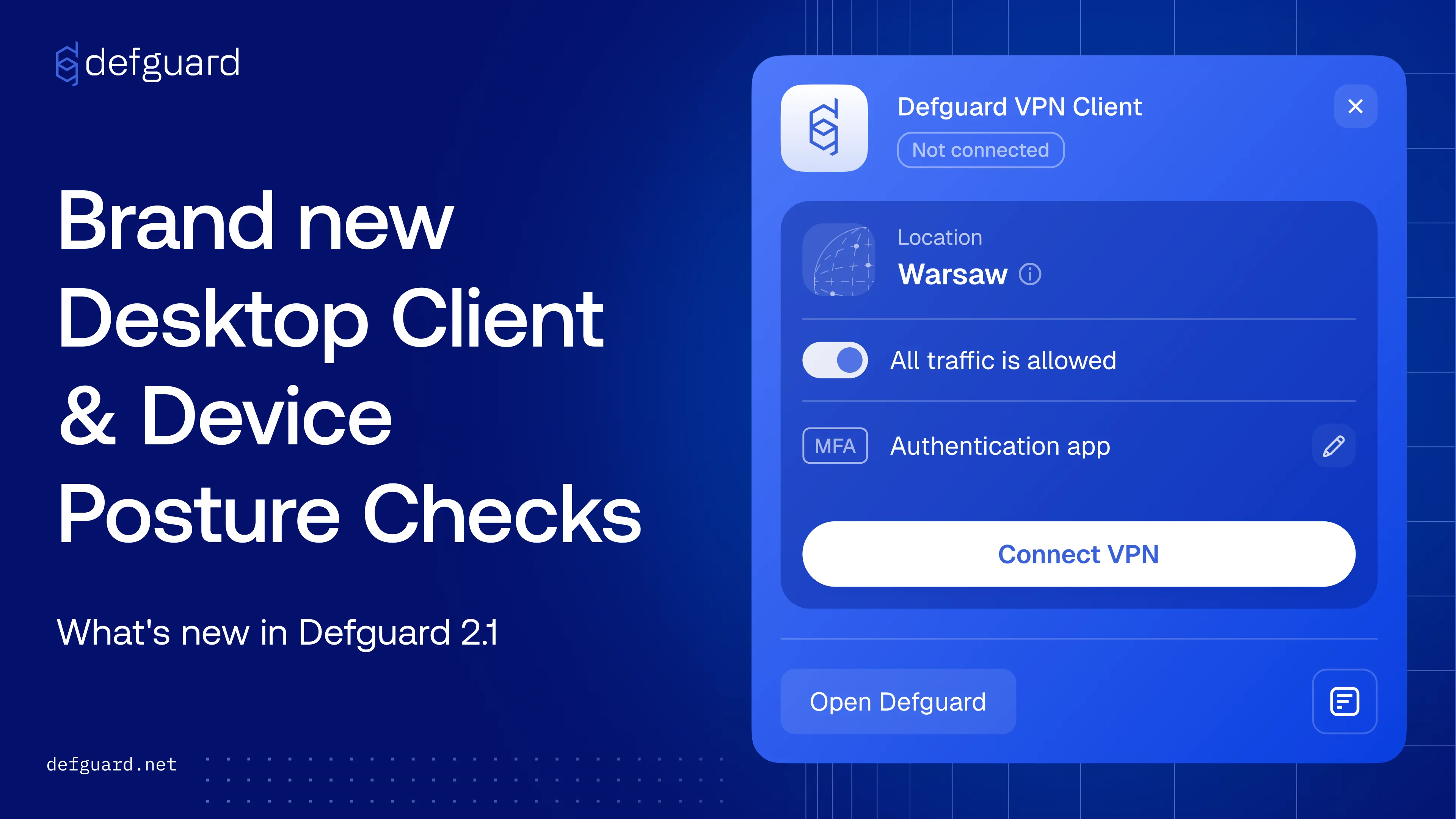
Defguard 2.1 brings a redesigned Desktop Client with tray mode, Device Posture verification before a WireGuard® connection is allowed, Allowed IPs generated from Firewall Rules for true least-privilege access, and official support for running Defguard Gateway on VyOS.
Block non-compliant devices with Device Posture verification
Define the security criteria a machine must meet before it is allowed to establish a WireGuard® connection. Devices that don't meet your baseline simply can't connect, even when the user is otherwise authorized.
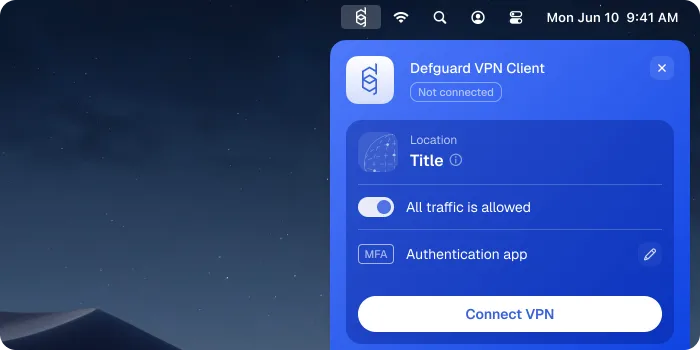
A new Desktop Client with tray mode
The Desktop Client has been rebuilt around live configuration sync, multiple instances and locations, and flexible MFA including biometrics via the mobile app. The new tray mode gets users connected in two clicks.
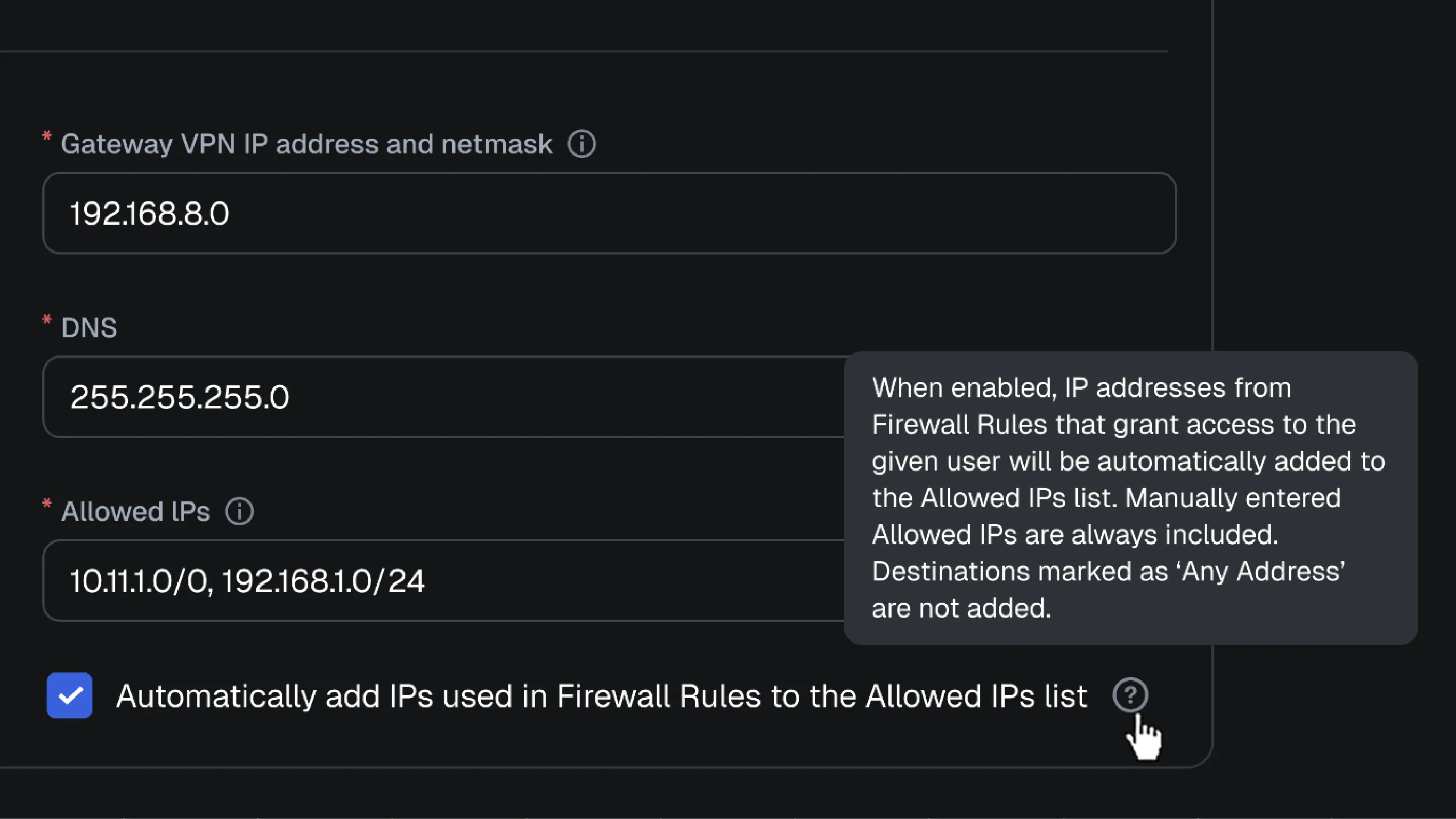
Least-privilege Allowed IPs generated from Firewall Rules
Allowed IPs in the WireGuard® config can now be derived from the Firewall Rules that apply to a specific user, so a config never reveals subnets that user has no permission to reach.
Run Defguard Gateway on VyOS
Defguard Gateway is now officially supported as a container on VyOS, running on your router host with full host networking and no native package install required.
Control VPN client and run MFA from command line
The new defguard-client CLI drives the Desktop Client from your terminal - connect, disconnect and check status on headless machines, over SSH, or from a script. Including locations that require multi-factor authentication.