

What's new in Defguard
Find information about all releases and the latest features in one place.
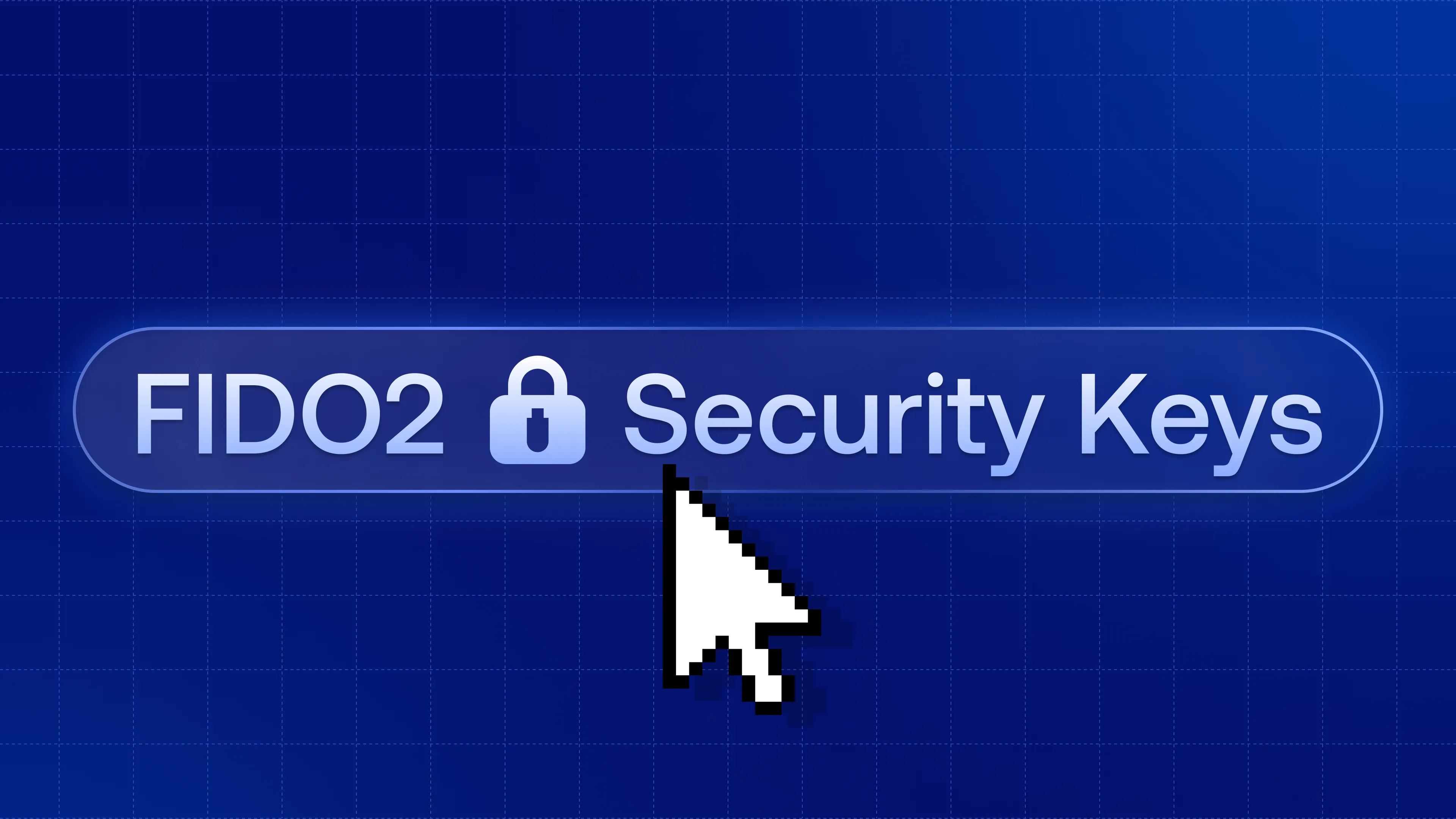
FIDO2 hardware security keys as a VPN MFA/2FA factor
Users can complete an MFA/2FA step of a WireGuard® connection with a FIDO2 hardware security key such as a YubiKey 5: insert it, enter its PIN, touch it. Administrators add the key to any MFA/2FA flow.
Defguard 2.2 builds MFA/2FA from named flows: ordered steps, each listing the factors that can satisfy it. Assign different flows to different locations and groups, and the WireGuard® tunnel opens only after the last step succeeds.
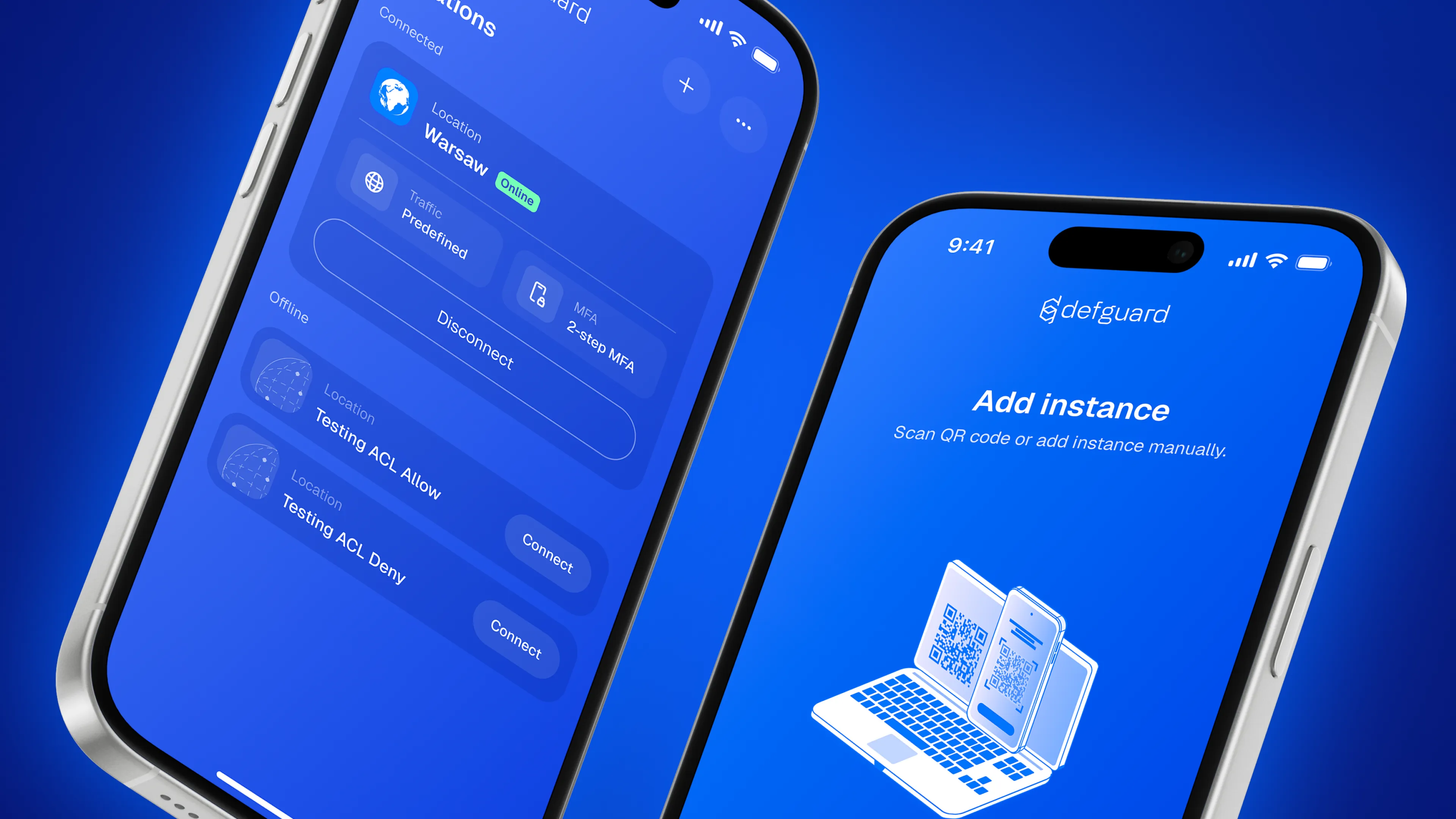
A redesigned Mobile Client for iOS and Android
The Defguard Mobile Client has been rebuilt in the design of the 2.1 Desktop Client. It takes part in 2.2's MFA/2FA flows both as a factor that approves desktop connections and as a connecting client.
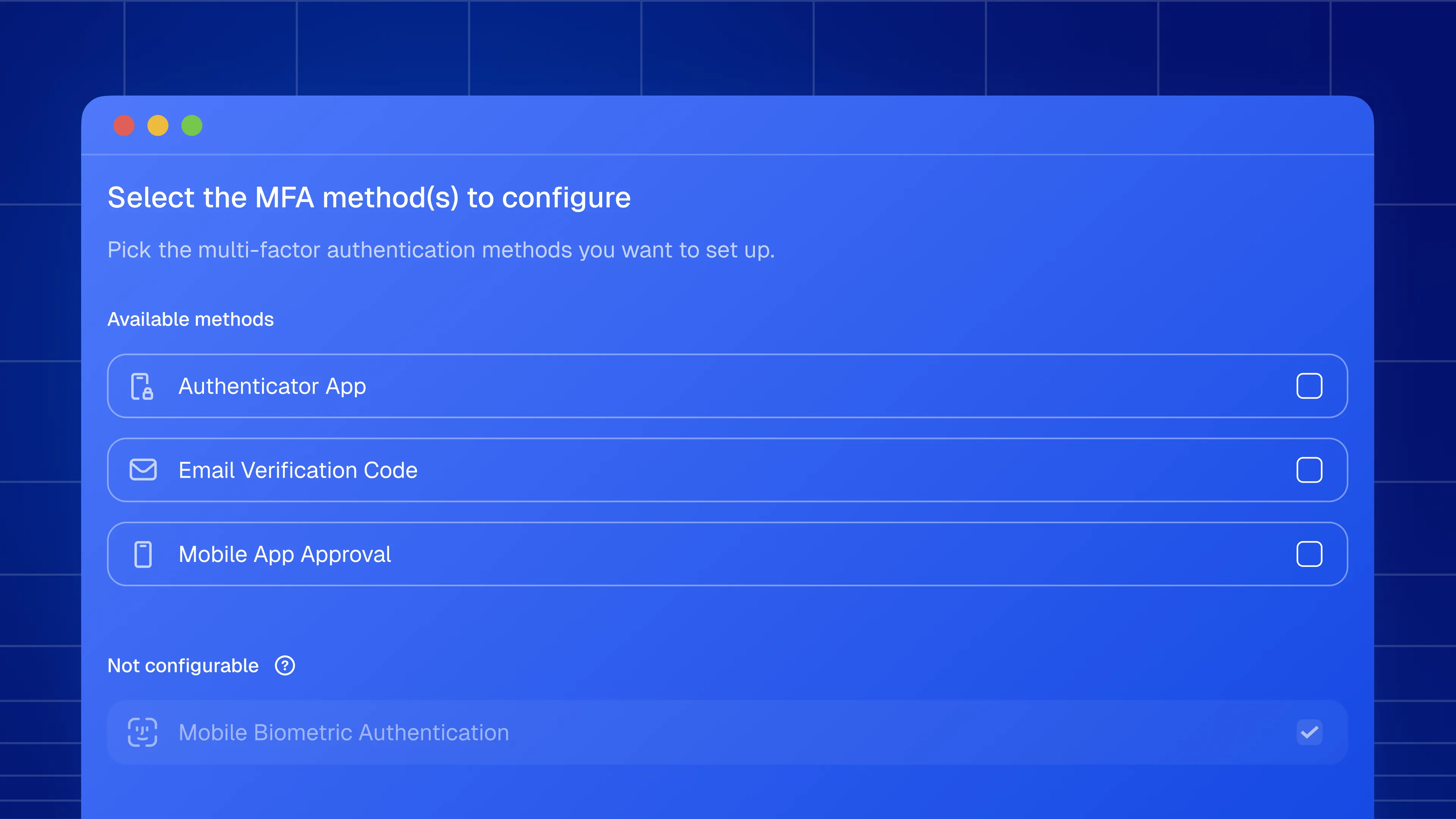
Set up MFA/2FA from the Desktop Client after enrollment
Users set up their MFA/2FA methods directly in the Desktop Client. A location that needs a method the user has not configured shows the option to set it up in place of the connect button, and the instance stays enrolled throughout.
FIDO2 hardware keys and configurable MFA flows
A walkthrough of what's new in Defguard 2.2: multi-step MFA/2FA flows, FIDO2 hardware keys as an MFA/2FA factor, MFA/2FA setup in the Desktop Client, the redesigned Mobile Client and the rest of the release.